Connecting POTS Lines over Ethernet Cable
I recently had a need to run some POTS lines for both analog phones and dial-up testing over existing CAT6 cabling that I already have running to parts of my house. Since normal phone lines only use one pair of wires, you can run 4 phone lines over a single CAT6 (or CAT5e) cable.
This was a perfect solution and I was able to get things up and running with some scrap ethernet cable and some RJ-11 connectors to break out the 4 pairs of the cable on each side and test it out.
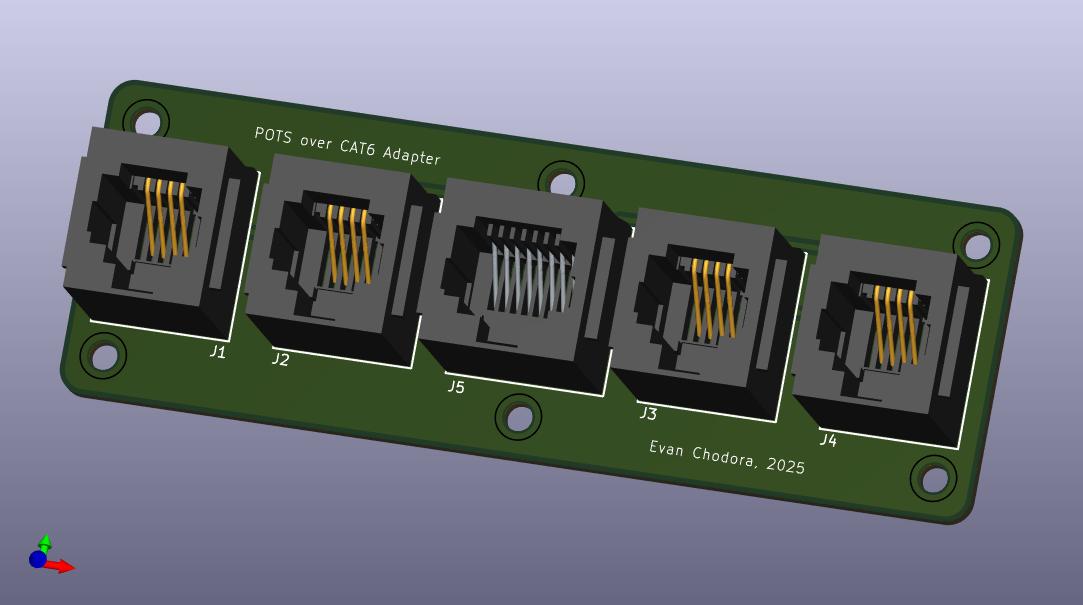
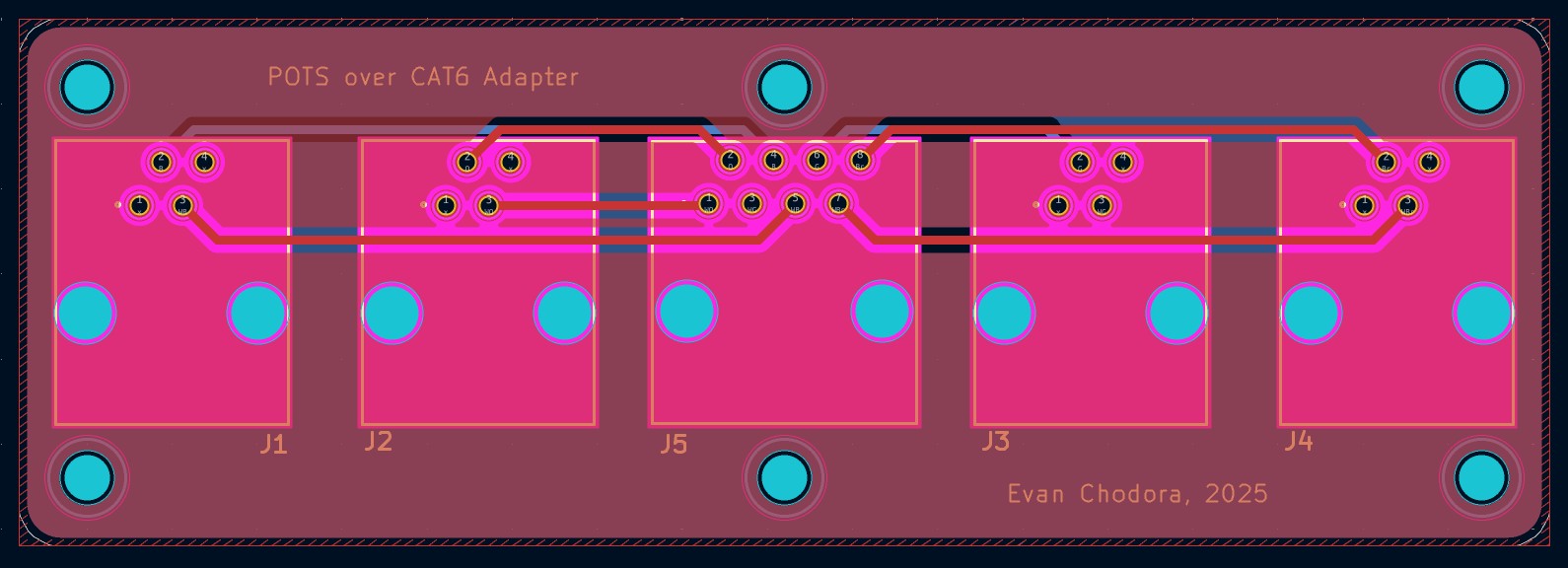
In the long run, however, I wanted to design a PCB that could serve as a cleaner adapter and that I could mount in my rack to take phone lines from the RJ-21 breakout from my VG224 and feed them through an RJ-45 into my patch panel.
The first step was drawing out the schematic to ensure that the correct pairs from each of the 4 lines made their way through the network cable and out again on the other side correctly with the correct polarity. Polarity in most phones doesn’t really matter as the circuits generally account for people wiring them up incorrectly in homes, but I figured if I was designing something it would be ideal to do it correctly.
I used the standard 6P6C color code to follow the correct tip/ring convention and the 25 pair color code to expand past 3 pairs to 4 with the brown/white-brown of ethernet cable.